![cohera-tech-logo-tagline-full-colour-rgb-1.svg]](https://support.cohera-tech.com.au/hubfs/cohera-tech-logo-tagline-full-colour-rgb-1.svg)
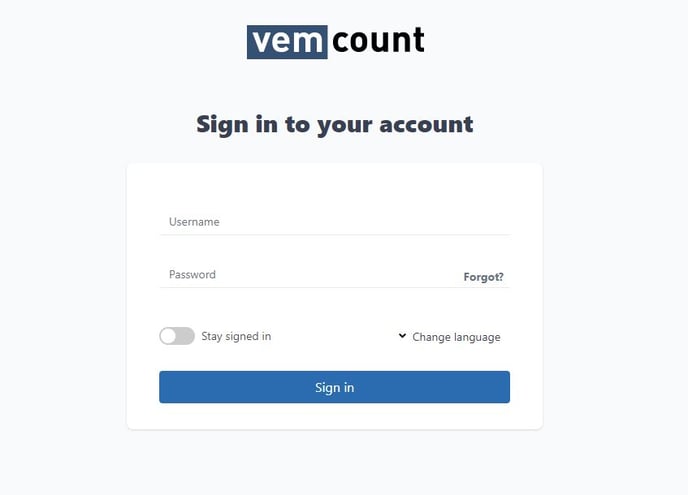
To login to Vemcount reporting system using your account details:
- Open a web browser on your device (Google Chrome is preferred)
- Go to the login page https://vemcount.app/login
- Enter your username and password.
- Select the 'Sign In' button.
If you do not have an existing user account set-up or are unsure, please contact the nominated Administrator within your organisation. If you do not know your Administrator, please contact Cohera-Tech here.