![cohera-tech-logo-tagline-full-colour-rgb-1.svg]](https://support.cohera-tech.com.au/hubfs/cohera-tech-logo-tagline-full-colour-rgb-1.svg)
A dashboard can be copied/duplicated. This is useful when a user would like to modify an existing dashboard without having to recreate one from the beginning.
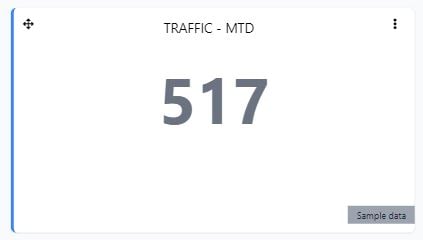
After a dashboard is copied, each widget is automatically replaced with sample data. The widget will display 'Sample data'. Each widget's source data will need to be updated and confirmed.
Copy a dashboard by following the steps below:
- Login to Vemcount.
- Select dashboard view by selecting 'Dashboards' in the left side menu.
- Select the dashboard to copy in the the Dashboard selector dropdown list.
- Select the 3 dot menu and select 'Copy' in the dropdown list.
- Name the dashboard and select 'Save' button.
- Update and confirm each widget's source data by selecting the 3 dot menu on each widget and selecting 'Manage content'.